A ride should not disappear because one file failed
Many cyclists and runners know the feeling. The device says the activity was saved, the ride looks like it should be there, but the upload fails. Strava or another training platform refuses the file. The error message may be vague: malformed file, bad format, cannot process activity, upload failed, or simply nothing useful at all.
When that happens, the first reaction is usually frustration. The GPS track may still be inside the file. The timestamps, distance, heart rate, power, cadence, and elevation samples may still be readable. The damaged part can be small, but the platform rejects the whole activity because a FIT header, CRC checksum, or structure detail does not match what the importer expects.
That is the moment this project was created for: when the ride exists, but the file needs help before another service will accept it.
Why FIT files fail even when the activity is real
FIT is a compact binary format used by many sports devices and apps. It is efficient, but it is not very forgiving. If a cycling computer loses power, disconnects during sync, writes an incomplete ending, or produces a checksum mismatch, the activity can become hard for platforms to import.
A corrupted FIT file does not always mean the activity data is gone. Sometimes the records are still parseable and only the wrapping metadata or checksum needs repair. Sometimes selected fields need review before a clean copy can be saved. The practical goal is not magic recovery from every possible failure. The goal is to inspect what is still there and repair common problems without making the situation worse.
Why the tool runs locally
Activity files are private. A FIT file can contain home locations, work commutes, health data, device identifiers, training load, and travel patterns. For that reason, FIT Repair Studio opens and repairs files locally on the Mac. The website does not upload, parse, sell, or store activity files.
The app is also open source. Anyone can inspect how the repair workflow works, build it locally, and verify that the tool is focused on local file recovery. The download is free. Voluntary contributions help pay for hosting, Apple Developer Program membership, notarized builds, and maintenance, but payment is not required.
What the first version focuses on
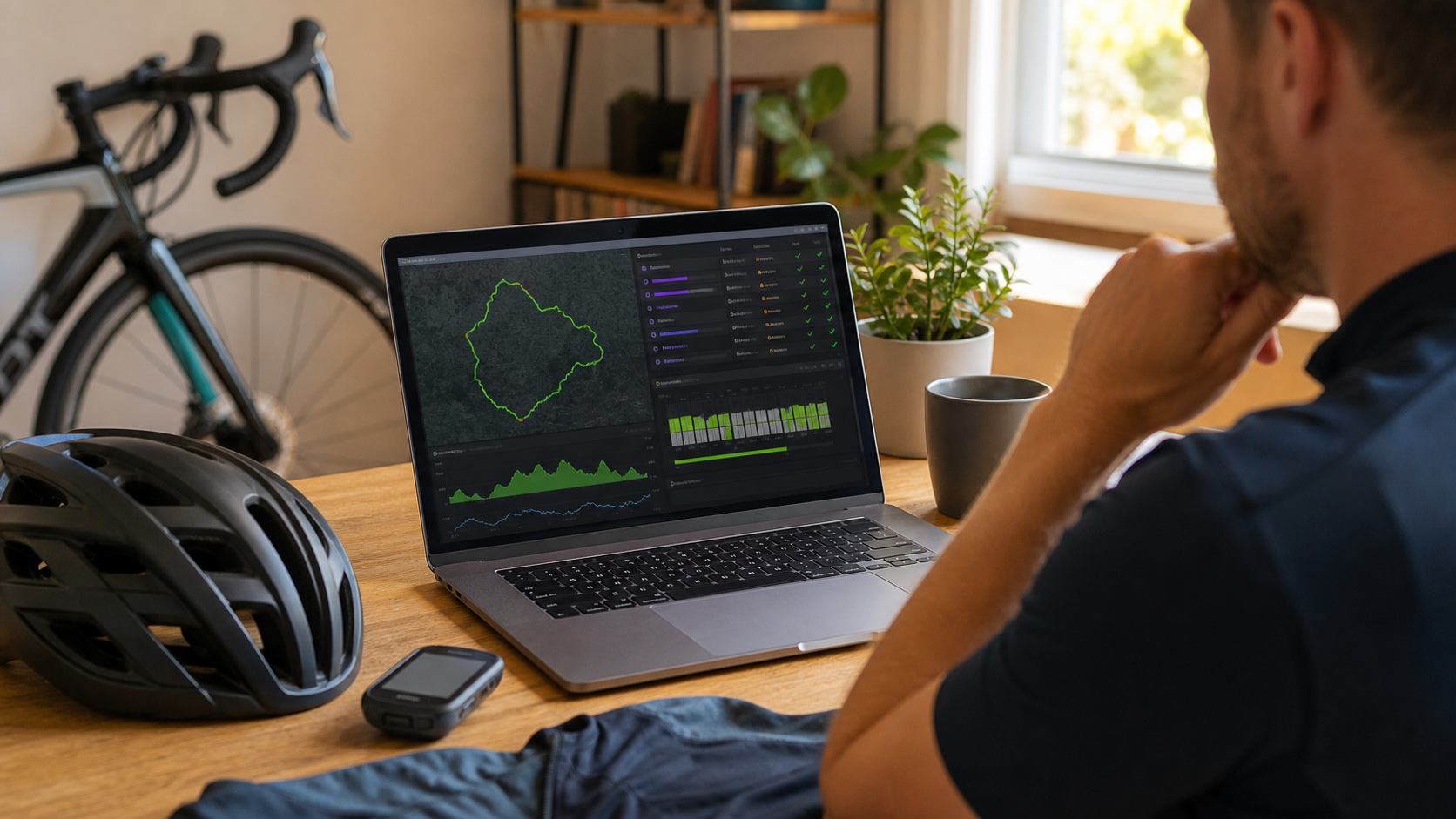
The current macOS version focuses on malformed FIT activity files where the data is still structurally readable. It helps inspect parsed records, detect common CRC and checksum problems, repair header and file CRC values where possible, edit selected record fields, and save a repaired copy for another upload attempt.
It is built for athletes, coaches, and activity-data users who want a practical last attempt before accepting that a ride or run is gone. If Strava rejected your FIT file, FIT Repair Studio gives you a local, transparent way to see whether the activity can still be saved.