
The upload error is only the start of the diagnosis
Strava, TrainingPeaks, intervals.icu, GoldenCheetah, and other platforms need an activity file to follow the FIT specification closely enough for safe import. If the header size is unexpected, the file CRC does not match, a message is incomplete, or the file ended during device shutdown, the importer may reject everything.
That rejection is understandable from the platform side. A strict importer protects the service from bad data. But from the athlete side, it can feel brutal. A forest ride at sunset, a long climb, or a training session may be trapped inside a file that only needs a focused repair.
Common recoverable cases
The most recoverable cases are usually checksum and ending problems. FIT files include CRC values that help confirm whether the file was written correctly. If the activity records are still readable but the checksum is wrong, a repair tool may be able to recalculate the CRC and save a corrected copy.
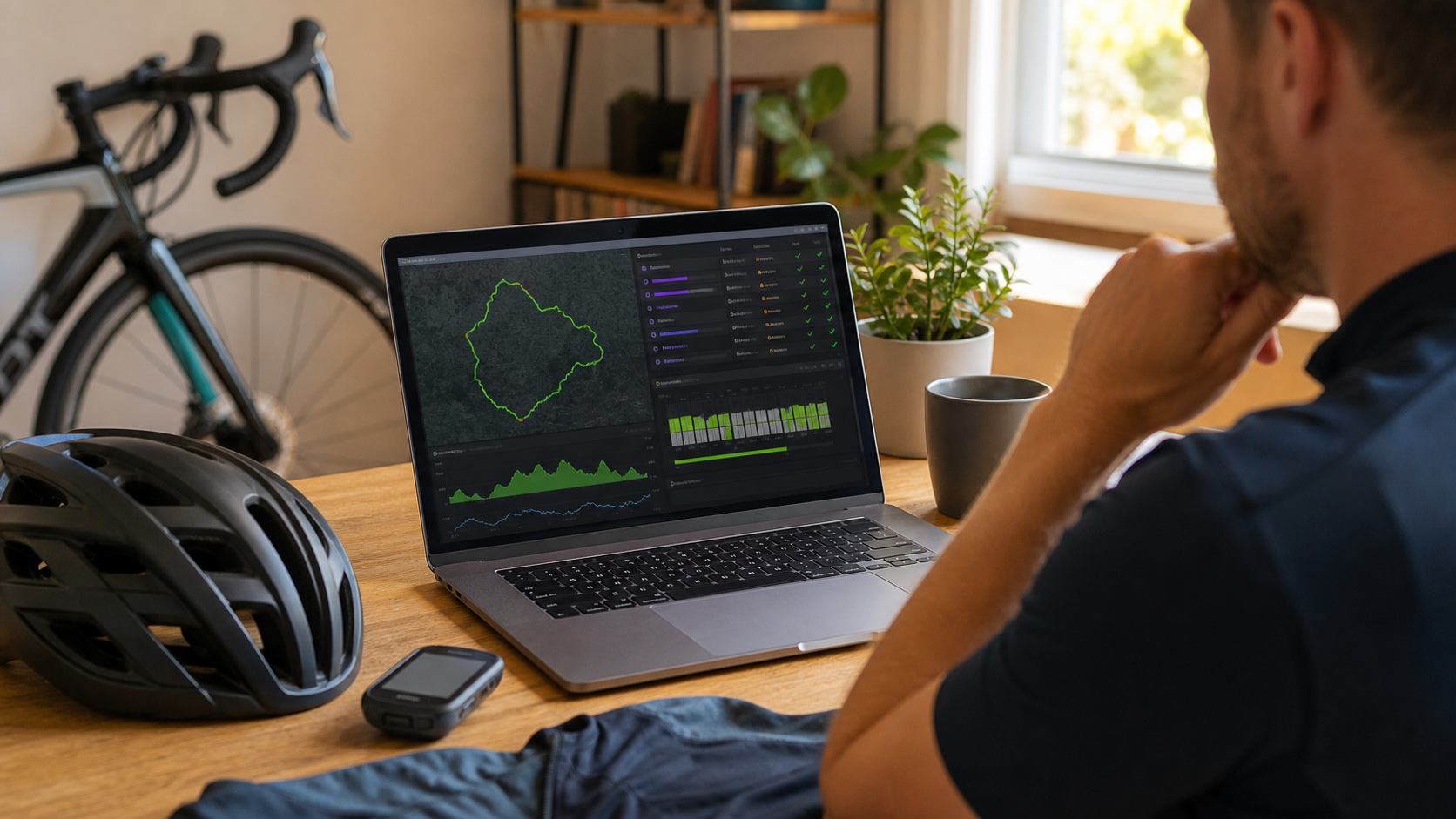
Another common case is a file that contains useful record messages but has metadata that confuses upload platforms. Inspecting the parsed records can show whether GPS position, distance, altitude, cadence, power, speed, heart rate, or timestamps are still present.
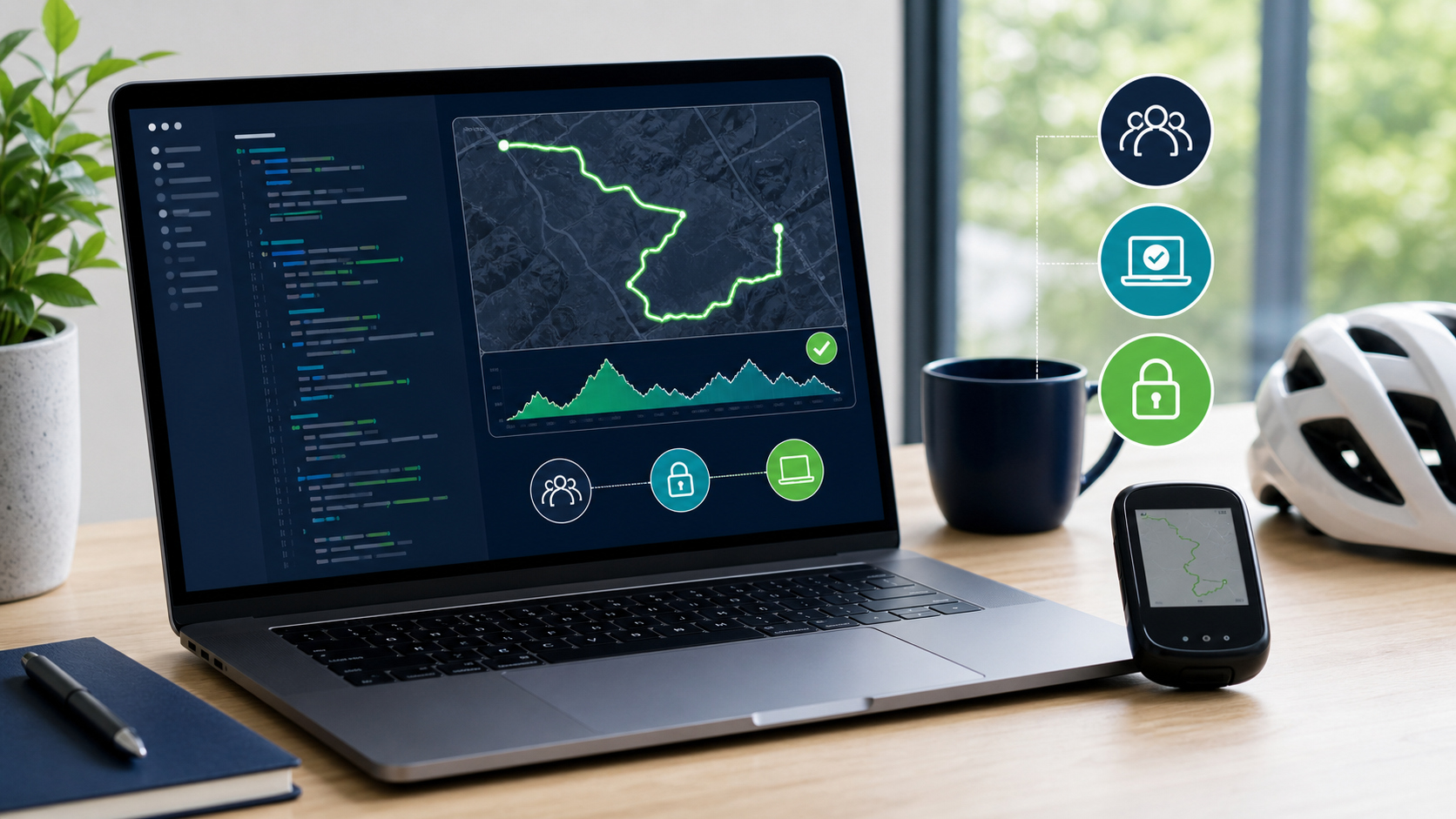
FIT Repair Studio is designed for exactly this kind of first pass: open the file locally, inspect the diagnostics, review records, repair common CRC/checksum issues where possible, and save a new copy for another upload attempt.
What cannot always be recovered
No FIT repair app can guarantee recovery from every damaged file. If the device never wrote the activity records, if the file is truncated before the important data, or if large sections are overwritten, there may not be enough information to reconstruct the ride.
That limitation is important. A good repair workflow should be honest about the difference between fixing a malformed file and inventing data. FIT Repair Studio aims to preserve and repair what is actually present. It does not claim to rebuild a complete activity from nothing.
Why local inspection matters
Before uploading a private activity file to a random web service, it is worth trying a local tool. FIT files can reveal home addresses, repeated routines, health metrics, and device information. Local repair keeps that data on your computer.
Because FIT Repair Studio is open source, the repair process is not a black box. The source code is public, the macOS app is free to use, and the project can be reviewed or improved by people who care about sports data recovery.